
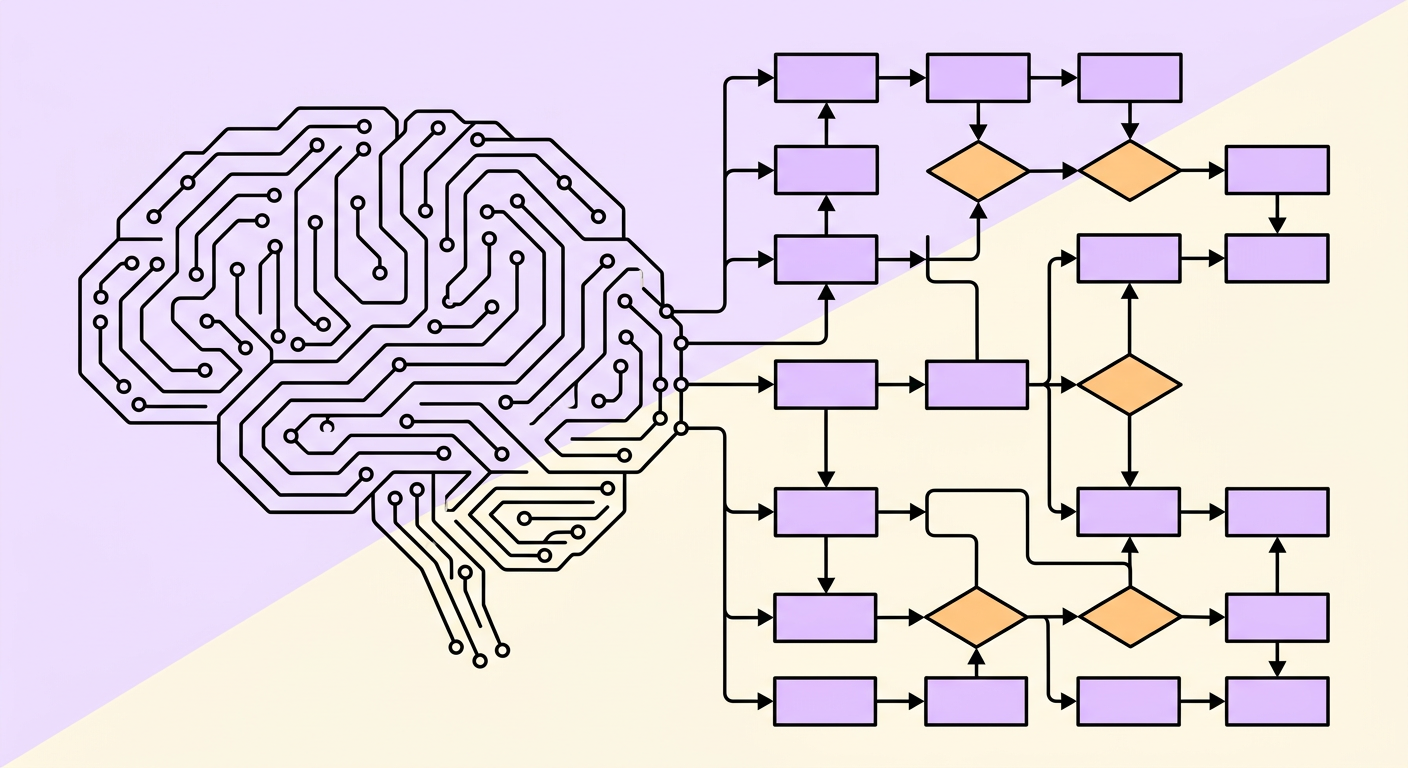
Introducing AI into your business sounds straightforward until you realize most teams have no clear picture of how their processes actually work. AI process mapping solves this by creating detailed visual representations of your workflows, identifying exactly where artificial intelligence can add the most value.
Without a process map, AI projects become expensive experiments. With one, they become targeted investments with measurable returns.
What Is AI Process Mapping?
AI process mapping is the practice of documenting and visualizing your business workflows with the specific goal of identifying where AI can automate, augment, or improve existing steps. Unlike traditional process mapping, which focuses on standardization and efficiency, AI process mapping adds an extra layer: evaluating each step for its automation potential.
A good AI process map captures:
- Every step in a workflow, including decision points and exceptions
- Who performs each step and how long it takes
- What data flows between steps and systems
- Which steps are repetitive, rule-based, or judgment-heavy
- Where bottlenecks and errors commonly occur
This combination of workflow documentation and AI readiness assessment is what separates AI process mapping from standard flowcharting.
Why You Need to Map Processes Before Introducing AI
Research consistently shows that the majority of AI and automation projects fail not because the technology is lacking, but because teams automate the wrong things. Analysts estimate that a significant portion of agentic AI projects will be cancelled due to poor preparation.
Mapping your processes first prevents three common failures:
1. Automating Broken Processes
If a process has unnecessary steps, unclear handoffs, or built-in workarounds, automating it just creates faster chaos. Process mapping reveals what needs to be fixed before AI touches it.
2. Picking the Wrong Processes
Not every process benefits from AI. Some are too complex, too variable, or too infrequent to justify the investment. A process map lets you compare candidates objectively using criteria like volume, consistency, and data availability.
3. Underestimating Dependencies
Processes rarely exist in isolation. Automating one step can create bottlenecks upstream or downstream. A complete process map shows these connections before you start building.
How to Map Your Workflows for AI: A Step-by-Step Guide
Step 1: Identify Your Core Workflows
Start by listing the key processes that drive your business operations. Focus on processes that are:
- High volume — performed dozens or hundreds of times per week
- Time-consuming — taking hours of employee time
- Error-prone — where mistakes have real costs
- Cross-functional — involving handoffs between teams or systems
Common starting points include invoice processing, customer onboarding, support ticket routing, employee onboarding, and report generation.
Step 2: Document the Current State
Walk through each process as it actually happens today, not as it is supposed to happen. This is critical. Interview the people who do the work daily and observe them performing the tasks.
For each step, record:
- What action is performed
- Who performs it (role, not person)
- What tools or systems are used
- What inputs are needed and what outputs are produced
- How long it typically takes
- What exceptions or variations exist
Step 3: Tag Each Step for AI Potential
This is where AI process mapping diverges from traditional mapping. Review each step and classify it:
- Fully automatable — rule-based, repetitive, structured data (e.g., data entry, file routing, standard calculations)
- AI-augmentable — requires judgment but AI can assist (e.g., document summarization, draft responses, anomaly detection)
- Human-essential — requires empathy, creativity, or complex negotiation (e.g., client relationships, strategic decisions)
For each automatable or augmentable step, note what type of AI is most appropriate: rule-based automation (RPA), document processing (IDP/OCR), generative AI, or predictive analytics.
Step 4: Identify Data Flows and Integration Points
AI systems need data. Map where data enters each process, how it moves between systems, and where it gets stored. Pay attention to:
- Manual data re-entry between systems (a prime automation target)
- Data format conversions (PDF to spreadsheet, email to database)
- Decision points that rely on data from multiple sources
- Places where data quality is inconsistent
Step 5: Prioritize by Impact and Feasibility
Score each automation opportunity on two axes:
- Impact — time saved, errors reduced, cost savings, employee satisfaction improvement
- Feasibility — data availability, technical complexity, change management requirements, integration difficulty
Plot these on a simple matrix. Start with high-impact, high-feasibility opportunities as your quick wins. These build momentum and organizational buy-in for larger AI initiatives.
AI Process Mapping Techniques
Different situations call for different mapping approaches:
Swimlane Diagrams
Best for processes that cross multiple teams or departments. Each lane represents a role or system, making handoffs and dependencies visually clear. Particularly useful for identifying where AI can eliminate manual handoffs.
Value Stream Mapping
Focuses on time and value at each step. Distinguishes between value-adding activities and waste (waiting, rework, approvals). Ideal for making the business case for AI by quantifying current inefficiencies.
Decision Tree Mapping
Maps the logic behind decision points in detail. Essential for processes where you are considering AI-powered decision-making, as it reveals the rules and exceptions that an AI system would need to handle.
Task-Level Mapping
Goes deeper than process-level mapping to document individual clicks, keystrokes, and screen interactions. Used when evaluating RPA or desktop automation. Some companies use task mining software to capture this automatically.
Common Mistakes to Avoid
- Mapping the ideal process instead of reality — Interview front-line workers, not just managers
- Skipping exceptions and edge cases — AI implementations often fail on the 20% of cases that do not follow the standard path
- Ignoring the human element — Process maps should capture institutional knowledge and judgment calls, not just mechanical steps
- Over-engineering the map — Start simple. A rough map that covers 80% of cases is more valuable than a perfect map that takes months to create
- Mapping in isolation — Always include the people who actually perform the work in your mapping sessions
AI Process Mapping Tools
You do not need expensive software to start mapping processes for AI. Here is a practical toolkit:
- Whiteboards and sticky notes — Still the fastest way to capture a first draft with your team
- Lucidchart or Miro — Collaborative digital mapping tools with process mapping templates
- Microsoft Visio — Enterprise-standard for formal process documentation
- Gralio — AI-powered process documentation that captures workflows and identifies automation opportunities automatically
- Task mining tools — Software that records desktop activity to generate process maps from actual user behavior
What Comes After Mapping?
A process map is a decision-making tool, not a deliverable. Once you have your maps, the next steps are:
- Simplify first — Eliminate unnecessary steps before automating. The fastest process is one that does not exist.
- Standardize — Reduce process variations so AI has consistent patterns to work with.
- Build a business case — Use your map data to calculate expected ROI for each automation opportunity.
- Start small — Pick one high-impact, low-risk process and prove the concept before scaling.
- Measure and iterate — Track actual results against your predictions and refine your approach.
AI process mapping is not a one-time exercise. As your business evolves and AI capabilities advance, revisit your maps regularly to find new opportunities. The companies that succeed with AI are the ones that build process mapping into their ongoing operations, not just their transformation projects.


