
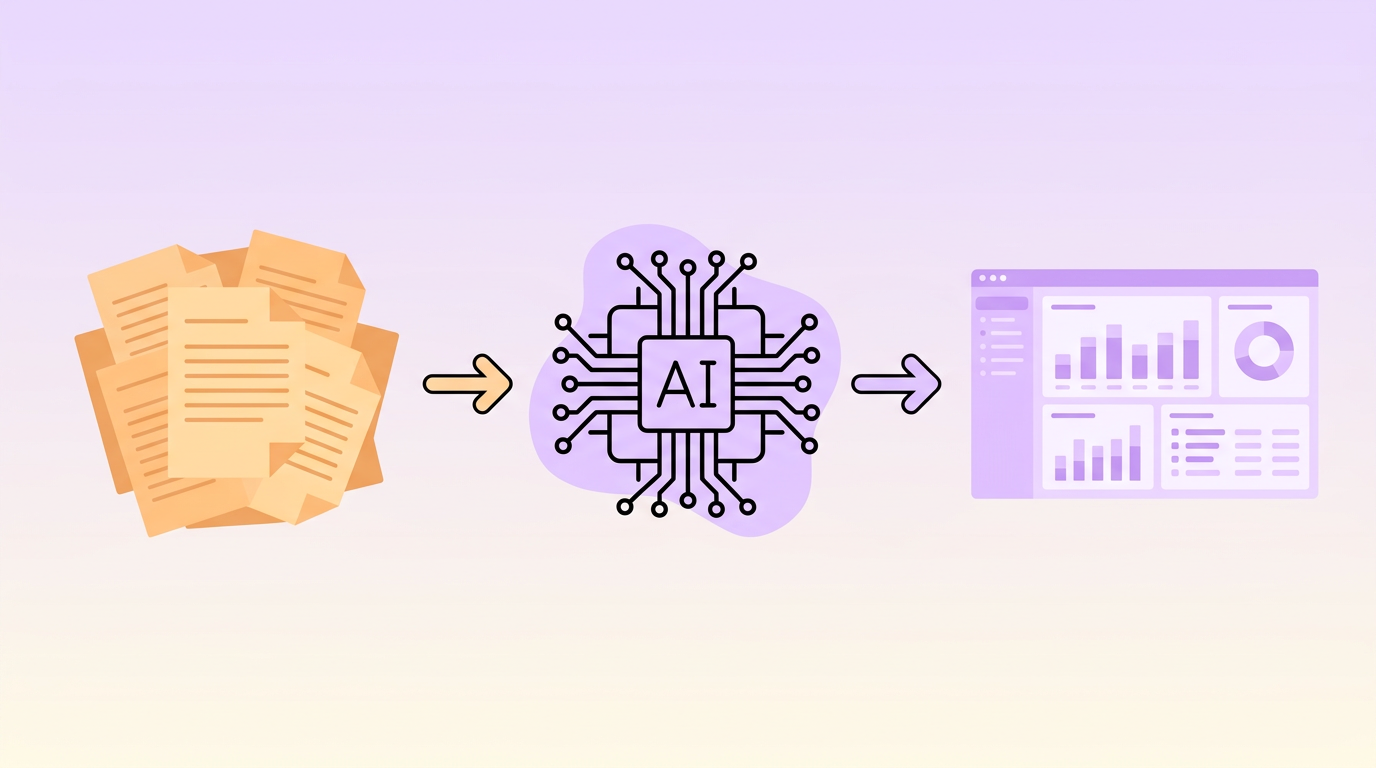
You cannot automate what you have not documented. Before investing in AI tools for your business, you need clear, detailed process documentation that captures how work actually gets done, not how you think it gets done.
This guide walks you through documenting your business processes with AI automation as the end goal, including what to capture, how to structure it, and what makes documentation AI-ready.
Why Process Documentation Matters for AI
Most AI and automation projects fail during implementation, not during vendor selection. The root cause is almost always the same: the team did not understand the process well enough to automate it effectively.
Good process documentation for AI serves three purposes:
- Scoping — It defines exactly what the AI system needs to handle, including edge cases and exceptions
- Training — It provides the structured information needed to configure or train AI models
- Measurement — It establishes a baseline so you can quantify improvements after automation
Without documentation, you are building automation on assumptions. With it, you are building on evidence.
What Makes AI-Ready Documentation Different
Standard operating procedures and traditional process docs are a starting point, but AI-ready documentation goes further. Here is what you need to add:
Decision Logic
Traditional docs say something like review the application and decide. AI-ready docs specify explicit rules: if the credit score is above a certain threshold and the income-to-debt ratio is below a set percentage, approve. If the score falls in a middle range, flag for manual review. If below a minimum, decline with a specific reason code.
Every decision point needs explicit rules, thresholds, and exception handling documented.
Data Specifications
For each step, document exactly what data is consumed and produced:
- Field names and data types
- Where data comes from (which system, which screen, which field)
- Validation rules and acceptable formats
- How missing or malformed data is handled today
Volume and Frequency Metrics
Capture the numbers that make the business case:
- How many times is this process executed per day, week, or month?
- How long does each execution take?
- What is the error rate?
- What is the cost per execution (labor, systems, rework)?
Variation Inventory
Document every way the process can differ from the standard path. This is where most automation projects hit trouble. The happy path works fine, but the 15 exception scenarios that make up 30 percent of the volume were never documented.
Step-by-Step: Documenting Processes for AI Automation
1. Select and Scope the Process
Choose a specific process to document. Define clear boundaries: where it starts, where it ends, and what is explicitly out of scope. A well-scoped process has:
- A clear trigger event (e.g., invoice received)
- A clear completion state (e.g., payment posted to ledger)
- Identifiable inputs and outputs
2. Observe and Interview
Sit with the people who perform the process daily. Watch them work. Ask questions like:
- What do you do when something goes wrong?
- Is this always the same, or does it vary?
- What information do you need that is hard to find?
- What is the most frustrating part of this process?
Capture screen recordings or screenshots of each step. These become invaluable during the automation build phase.
3. Map the Standard Flow
Create a process map showing the most common path from trigger to completion. Use simple flowchart notation: rectangles for tasks, diamonds for decisions, arrows for flow. Include the role responsible for each step and the system or tool used.
4. Document Every Exception
For each decision point and handoff, ask: what happens when this does not go as expected? Document each exception path with:
- What triggers it
- How frequently it occurs (percentage of total volume)
- How it is currently handled
- What the resolution looks like
5. Capture the Data Layer
For each step in the process, document the data interaction:
- What system is being used
- What data is being read or entered
- What format the data is in
- Whether the data is copied between systems manually
Pay special attention to data transformations, places where someone takes information in one format and converts it to another. These are prime automation targets.
6. Add Metrics and Business Context
Annotate your documentation with quantitative data:
- Time per step (average and range)
- Volume per period
- Error rates and rework frequency
- Cost impact of errors
- Customer impact (SLA compliance, satisfaction scores)
7. Classify Automation Potential
Tag each step with its automation readiness:
- Ready to automate — Rule-based, structured data, high volume
- Needs simplification first — Too many variations or unclear rules
- AI-augmentable — Judgment required but AI can assist
- Keep manual — Complex reasoning, relationship-dependent, or too low volume to justify
AI-Ready Documentation Template
A good AI-ready process document includes these sections:
- Process overview — Name, owner, purpose, trigger, and end state
- Process map — Visual flowchart of the standard path
- Step details — Each step with role, system, data, time, and instructions
- Decision logic — Rules and thresholds for every decision point
- Exception handling — Alternative paths with frequency and resolution
- Data dictionary — Every data element with source, format, and validation
- Metrics — Volume, time, error rates, and cost data
- Automation assessment — Step-by-step classification with rationale
Common Pitfalls to Avoid
- Documenting the process as it should be, not as it is — Talk to the people doing the work, not just the managers who designed it
- Stopping at the happy path — Exceptions and edge cases are where automation projects fail
- Treating documentation as a one-time project — Processes evolve. Build in regular review cycles.
- Over-documenting low-value processes — Focus your detailed documentation efforts on high-volume, high-impact processes
- Working in isolation — Process documentation should be collaborative. Include process owners, front-line workers, and IT stakeholders.
Moving from Documentation to Implementation
Once your processes are documented, you have a clear roadmap for AI automation. Prioritize based on:
- Business impact — Which processes consume the most time, generate the most errors, or affect customer experience?
- Technical feasibility — Which processes have structured data, clear rules, and existing system integrations?
- Quick wins — Which processes can be automated in weeks rather than months?
Start with one well-documented process, implement AI automation, measure the results, and use that success to build momentum for broader transformation. The documentation you create becomes the foundation for every automation project that follows.


