
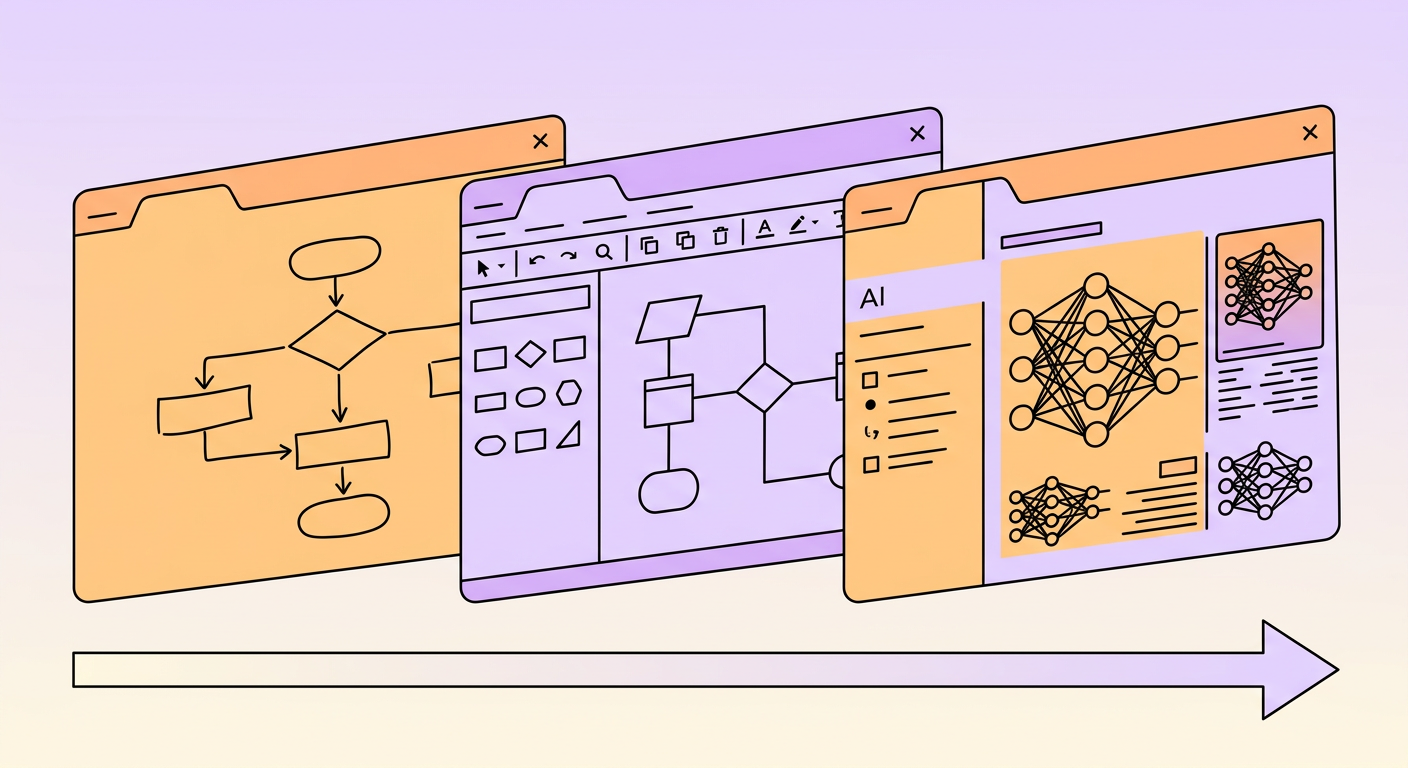
The right process mapping tool depends on what you are trying to achieve. A team documenting a simple approval workflow has different needs than an enterprise preparing for AI automation. This guide compares process mapping tools across categories, from free diagramming apps to AI-powered platforms, so you can pick the right one for your situation.
What to Look for in a Process Mapping Tool
Before comparing specific tools, consider what features matter for your use case:
- Collaboration — Can your team edit maps together in real time?
- Templates — Does it include pre-built process mapping templates (flowcharts, swimlanes, SIPOC)?
- Integration — Does it connect with your existing tools (Google Workspace, Microsoft 365, project management)?
- Export options — Can you export to PDF, image, or embed in other documents?
- Automation readiness — Does it help identify steps suitable for automation?
- Learning curve — How quickly can new users create useful maps?
Free Process Mapping Tools
Google Drawings
The simplest option if your team uses Google Workspace. Limited shape libraries and no process-specific templates, but it is free, collaborative, and accessible from any browser. Best for quick, informal process sketches.
Best for: Quick drafts and simple processes.
Limitations: No process mapping templates, limited shapes, no automation features.
Draw.io (diagrams.net)
A full-featured, free diagramming tool with extensive shape libraries, process mapping templates, and integrations with Google Drive, OneDrive, and Confluence. The most capable free option for serious process mapping work.
Best for: Teams that need professional process maps without paying for software.
Limitations: No real-time collaboration in the free version, no automation analysis features.
Canva (Free Tier)
Offers basic flowchart and process mapping templates with a drag-and-drop interface. More design-oriented than process-oriented, but produces visually appealing maps for presentations and training materials.
Best for: Creating visually polished process diagrams for presentations.
Limitations: Limited flowchart functionality, not designed for detailed process documentation.
Professional Process Mapping Software
Lucidchart
The most popular cloud-based diagramming tool for business process mapping. Offers extensive template libraries, real-time collaboration, data linking (pull data from spreadsheets into your diagrams), and integrations with Slack, Google Workspace, Microsoft 365, Atlassian, and more.
Best for: Mid-size to enterprise teams that need collaborative, professional process mapping.
Pricing: Free tier available. Paid plans from around 8 dollars per user per month.
Microsoft Visio
The enterprise standard for process mapping and technical diagramming. Deep integration with Microsoft 365, extensive stencil libraries, data visualization capabilities, and support for BPMN 2.0 standard notation.
Best for: Enterprise teams already invested in the Microsoft ecosystem.
Pricing: From around 5 dollars per user per month (Plan 1) or included with Microsoft 365 E5.
Miro
A collaborative whiteboard platform with strong process mapping capabilities. Excels at workshop-style mapping sessions where teams brainstorm and build maps together in real time. Includes flowchart templates, voting, commenting, and video chat integration.
Best for: Remote teams doing collaborative process discovery workshops.
Pricing: Free tier for 3 boards. Paid plans from around 8 dollars per user per month.
Figma (FigJam)
FigJam includes flowchart and process mapping capabilities with the collaboration features Figma is known for. Popular with design and product teams who already use Figma for UI work.
Best for: Product and design teams who want process mapping within their existing toolset.
Pricing: Free tier available. Paid plans from around 3 dollars per user per month for FigJam.
AI-Powered Process Mapping Tools
Gralio
Uses AI to capture and document processes through guided walkthroughs. Instead of manually drawing diagrams, users walk through their process while the AI captures each step, identifies decision points, and generates structured process documentation automatically. Particularly strong for teams preparing processes for AI automation.
Best for: Teams that want AI-assisted process documentation with automation readiness assessment.
Key differentiator: Generates process documentation from actual walkthroughs rather than manual diagramming.
Mimica
Enterprise task mining platform that automatically generates process maps by recording desktop activity including clicks, keystrokes, and application interactions. Deploys agents on employee desktops to capture real workflows at scale, then uses AI to identify process patterns, variations, and automation opportunities.
Best for: Large enterprises with 50+ employees performing similar desktop-based tasks.
Key differentiator: Fully automated discovery through desktop monitoring with no manual mapping required.
UiPath Process Mining
Combines process mining (system log analysis) with task mining (desktop activity capture) within the UiPath automation platform. Particularly valuable if you are already using or planning to use UiPath for RPA, as discovered processes feed directly into the automation pipeline.
Best for: Organizations using or planning to use UiPath for RPA.
Key differentiator: Direct pipeline from process discovery to RPA implementation within one platform.
Celonis
The leading process mining platform, analyzing system event logs to map and optimize processes across enterprise applications. Excels at finding bottlenecks, compliance violations, and automation opportunities in processes that span multiple systems.
Best for: Enterprise-scale process optimization across complex system landscapes.
Key differentiator: Deep system log analysis with an execution management layer that can trigger automated improvements.
How These Tools Compare
Here is how these tools stack up across key dimensions:
- Free tools (Google Drawings, Draw.io, Canva) — Zero cost, manual diagramming, no automation features, best for simple processes and small teams.
- Professional tools (Lucidchart, Visio, Miro, FigJam) — Low monthly cost per user, collaborative diagramming with templates, limited automation features, best for teams that need ongoing process documentation.
- AI-powered tools (Gralio, Mimica, UiPath, Celonis) — Varies from free to enterprise pricing, automated or AI-assisted discovery, automation readiness features, best for teams preparing for AI and automation.
How to Choose the Right Tool
Match your tool to your goal:
- Just need a quick diagram? Start with Draw.io or Miro. Free, fast, good enough for most purposes.
- Need ongoing process documentation across a team? Lucidchart or Visio give you the templates, collaboration, and integrations for sustained use.
- Preparing processes for AI automation? Look at tools that combine documentation with automation assessment. Gralio for guided discovery, or Mimica and UiPath for automated desktop capture at scale.
- Running enterprise-wide process optimization? Celonis or UiPath Process Mining provide the system-level analysis needed for large-scale transformation.
The most expensive tool is not always the best choice. Many organizations start with free or professional tools to build process mapping capability, then graduate to AI-powered platforms when they are ready to scale automation. What matters most is that you start mapping. The tool you use is secondary to the insights you capture.


